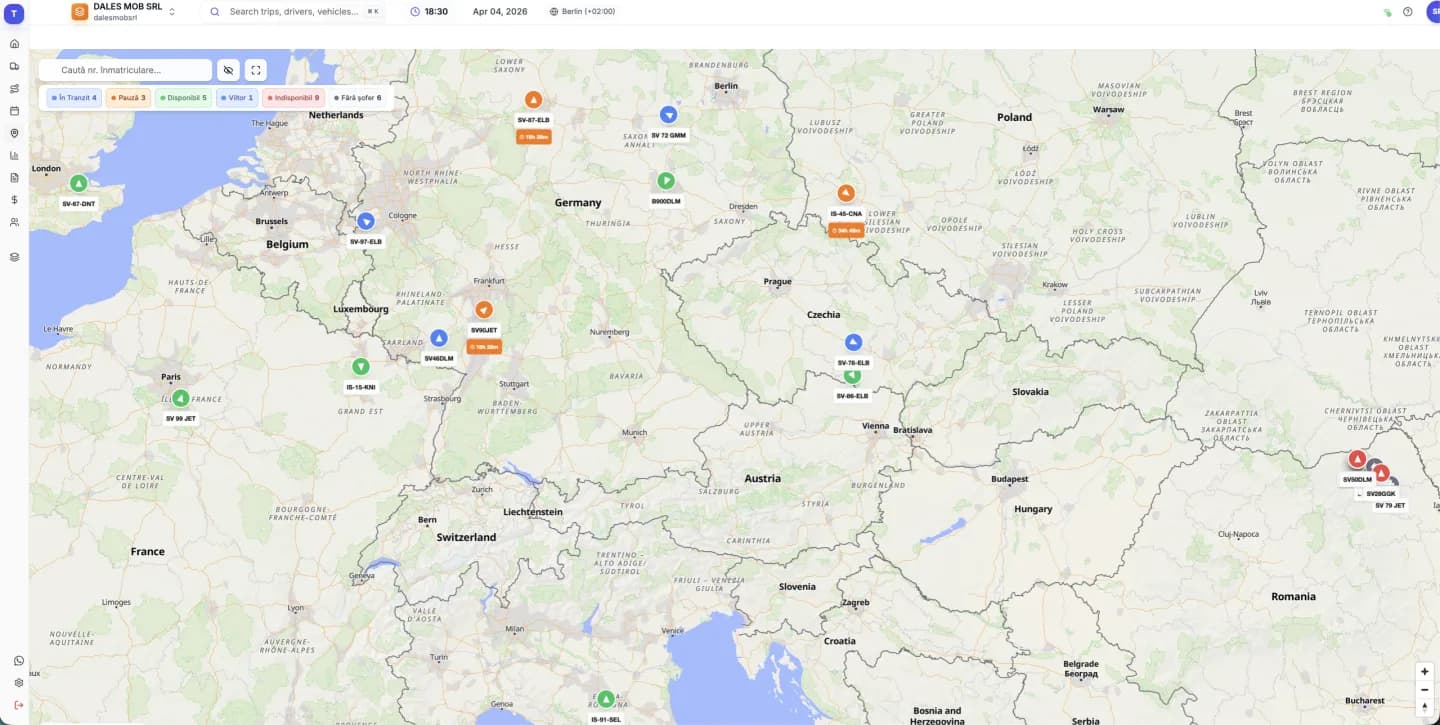
How to connect TrackGPS
A truckTMS administrator opens Settings → Integrations, picks TrackGPS and enters the username and password of the TrackGPS account with API access. You can also set the company time zone. “Test connection” checks the details before saving.
- Trucks are matched by number plate.
- TrackGPS allows one request every 30 seconds, so positions are read once a minute.
- The odometer comes from truck stops; if a truck has not stopped for a long time, the last value is kept.
What the TrackGPS integration does not bring
Through TrackGPS, truckTMS does not receive fuel use, tachograph data or the driver card. If you need those, the Tracknamic integration provides them. You can use both providers in one account, on different trucks.
Frequently asked questions
Is TrackGPS the same as Arobs?
TrackGPS is the GPS tracking platform from Arobs. The truckTMS integration uses your TrackGPS account.
Do I need different GPS hardware?
No. truckTMS reads the data from the TrackGPS account you already have.
Can I use both Tracknamic and TrackGPS?
Yes. You can connect several GPS accounts at once; every truck shows on the same map.
Do I get fuel data through TrackGPS?
No. The TrackGPS integration brings positions, speed, heading and odometer. Fuel and driver activity are available through Tracknamic only.
How much does it cost?
It is included in truckTMS: €7 per truck per month plus €12 per user per month, with a 30-day free trial.
Updated: