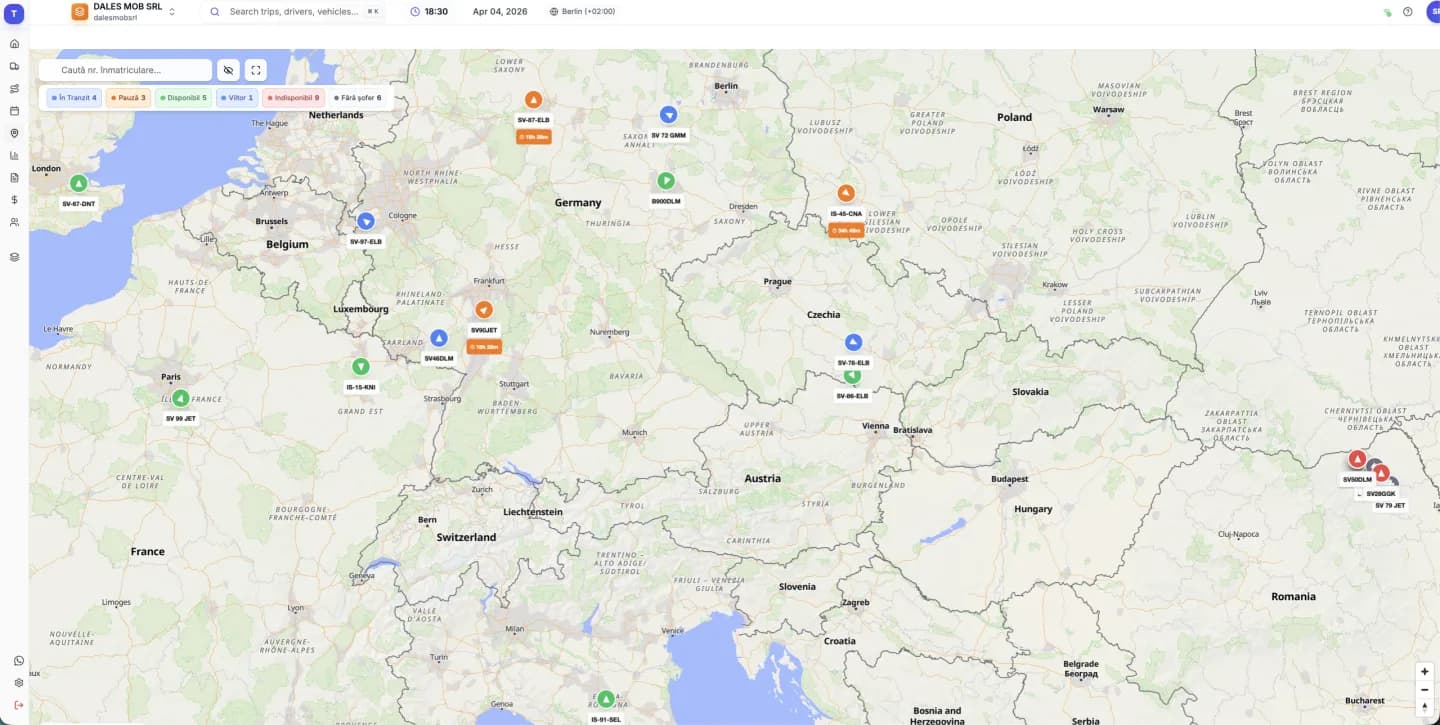
How to connect Eurowag
In your Eurowag account, generate an API key under Settings → System Connections. Then in truckTMS an administrator opens Settings → Integrations, picks Eurowag and enters the username, password and API key. “Test connection” checks them before saving.
- Trucks are matched by number plate.
- Positions are read once a minute, within your Eurowag plan's request limit.
- The Eurowag login is renewed automatically.
What the Eurowag integration does not bring
For now truckTMS uses only position, speed, heading and odometer from Eurowag. Fuel use and driver activity come through the Tracknamic integration only. You can combine providers in one account, on different trucks.
Frequently asked questions
Where do I find the Eurowag API key?
In your Eurowag Telematics account, under Settings → System Connections. You need it together with the account username and password.
Do I need to change GPS hardware?
No. truckTMS reads the data from the Eurowag account you already have.
Does it work with trucks registered in other countries?
Yes. What matters is the Eurowag account, not the country of registration. Trucks are matched by number plate.
Do I get fuel data from Eurowag?
Not yet. The Eurowag integration brings positions, speed, heading and odometer. Fuel data is available through Tracknamic.
How much does it cost?
It is included in truckTMS: €7 per truck per month plus €12 per user per month, with a 30-day free trial.
Updated: