What Excel does well
Excel costs nothing extra, everyone knows it and you can shape it however you like. For 2–3 trucks and a single dispatcher it may be enough. There is no point replacing something that still works.
How to move from Excel to truckTMS
- add your trucks, trailers and drivers (or send them to us in Excel and we import them)
- connect your GPS if you use Tracknamic, TrackGPS or Eurowag
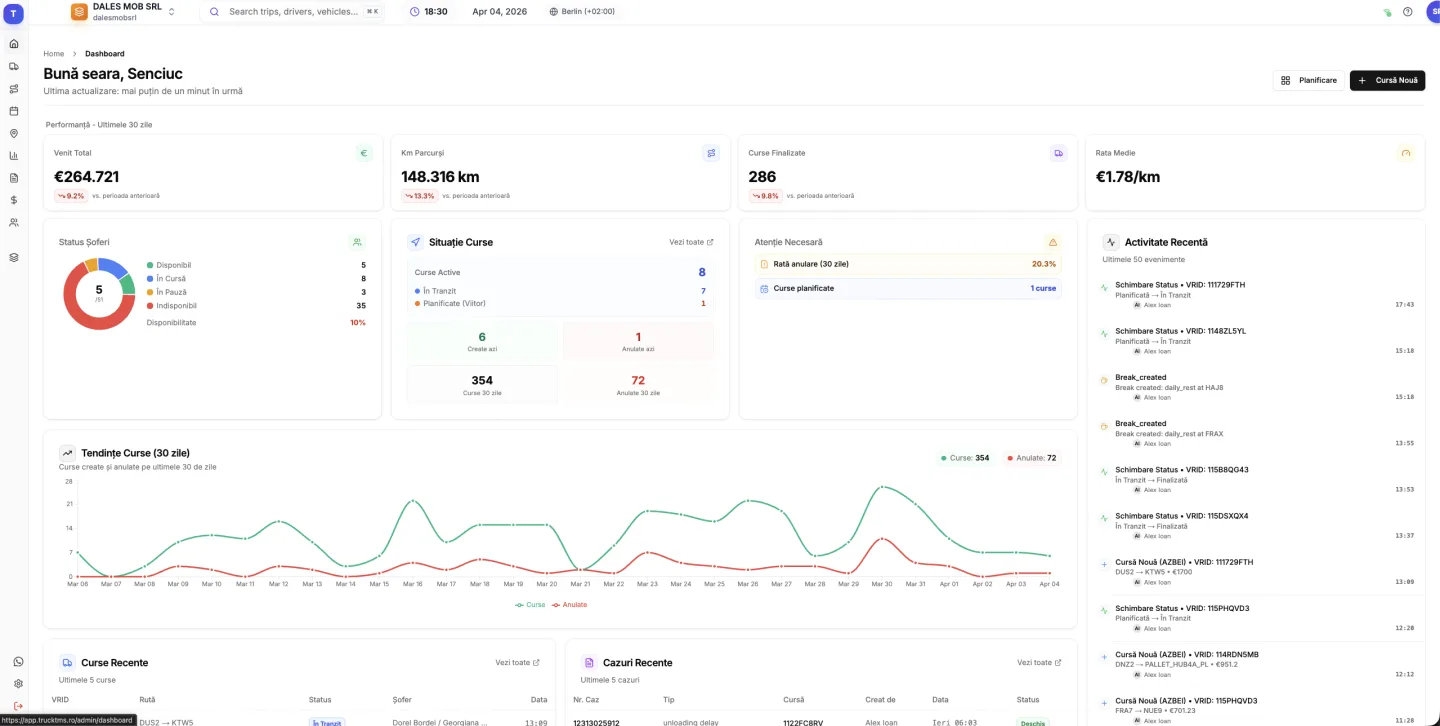
- create new trips in truckTMS, including from PDF orders with the AI assistant
- keep the old spreadsheet as an archive; you don't have to move all history on day one
Excel vs truckTMS, side by side
| Excel + WhatsApp | truckTMS | |
|---|---|---|
| Several dispatchers | File versions, overwrites | One shared plan, in real time |
| Creating a trip | Retype from the PDF order | AI assistant prepares it from the PDF |
| Multi-stop trips | Extra columns or rows | Ordered stops on the trip |
| Documents | Email, WhatsApp, folders | Attached to trip, driver or truck |
| Inspection / insurance expiry | Separate calendar or memory | Dashboard attention list, automatic lookup for Romanian trucks |
| Where the truck is | Call the driver or open the GPS portal | Live map in the same system |
| Monthly reports | Pivot tables and copy-paste | Ready PDF reports |
| Cost | Included in Office | €7 / truck + €12 / user per month |
Frequently asked questions
Can I import my data from Excel?
Yes. Trucks, trailers, drivers and clients can be added from Excel, and the truckTMS team helps with the import during the trial.
Can I export back to Excel?
Yes, the trip list exports to Excel at any time.
How long does the switch take?
For a small or mid-sized fleet, you can create the first trips the same day you add your trucks and drivers.
Do I have to give up WhatsApp?
No. truckTMS sends trip details to drivers on WhatsApp, and documents they send back attach to the trip.
Is truckTMS more expensive than Excel?
truckTMS costs €7 per truck and €12 per user per month. It pays off when the time dispatchers save on entering trips and building reports is worth more than that.
Updated: